Network Packet Monitor
See everything on your network.
mDNSShark finds the printers, TVs, IoT gadgets and services on your Wi-Fi, flags what is risky, and shows you the traffic. Open source, and it all runs on your iPhone.
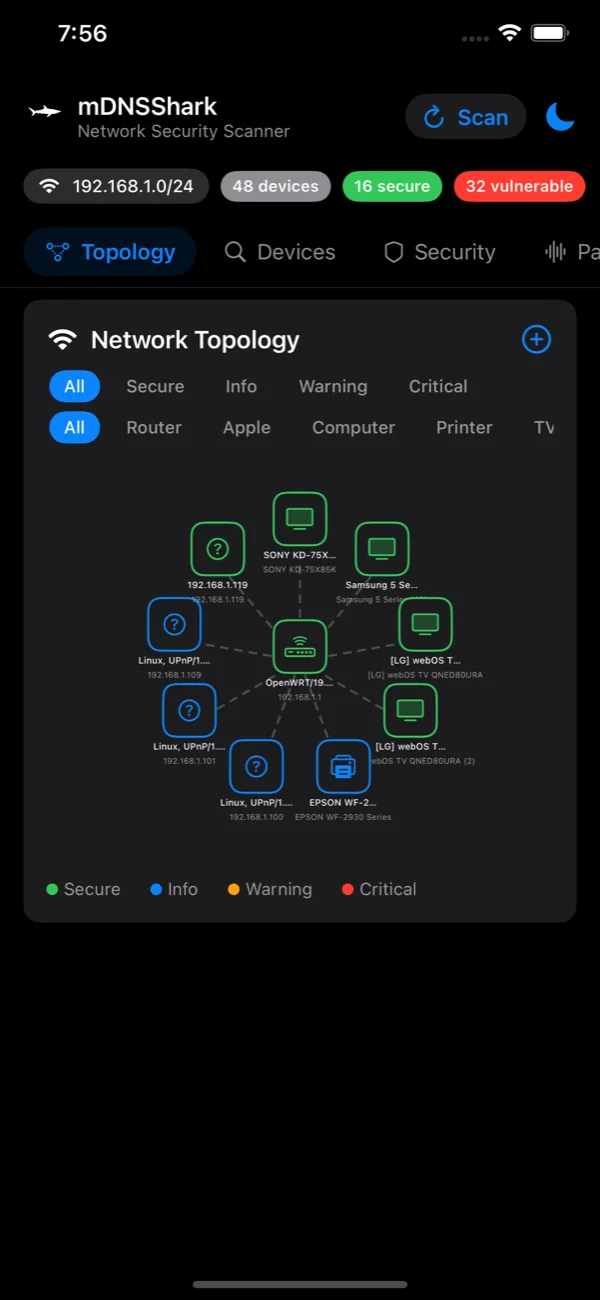
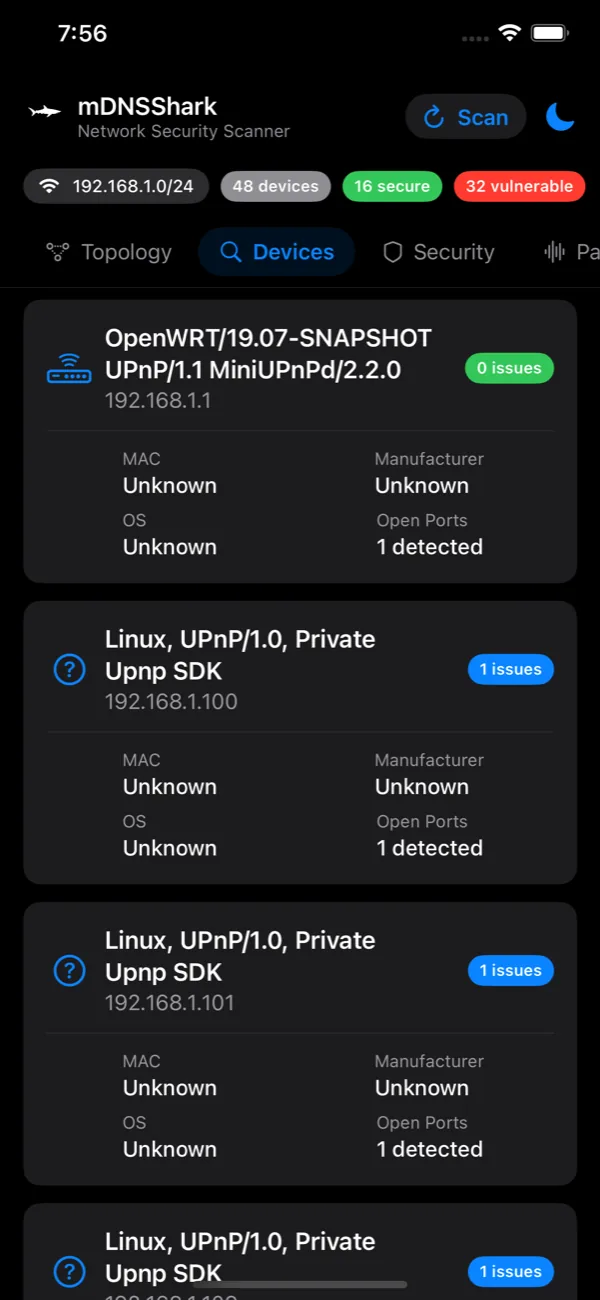
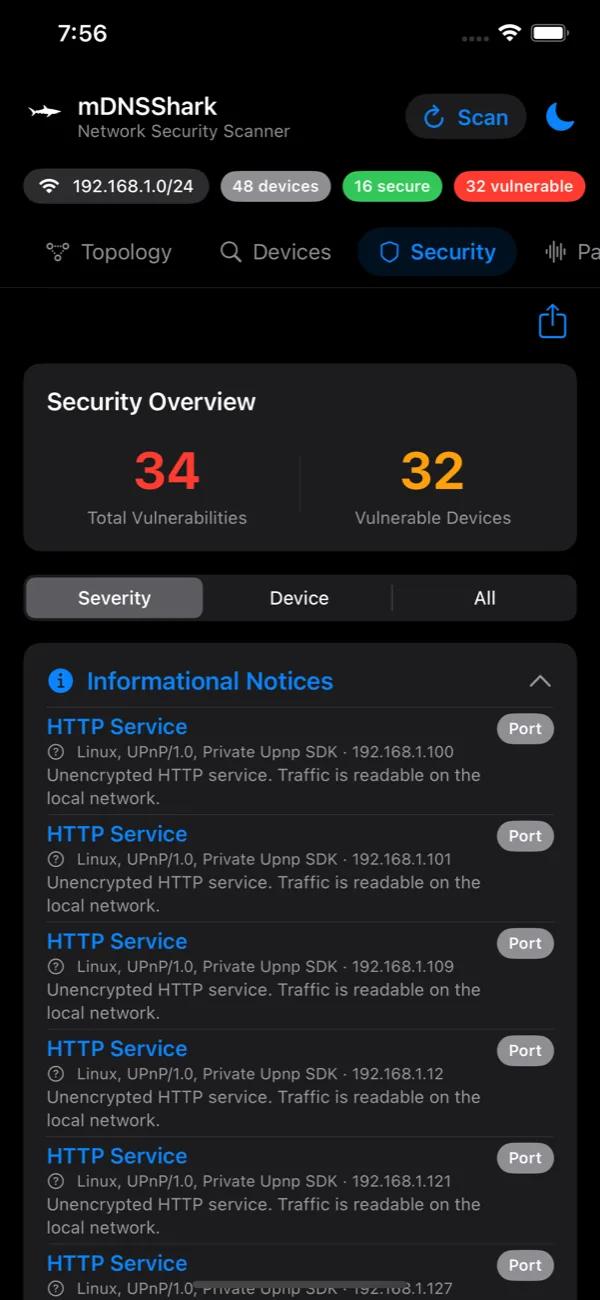
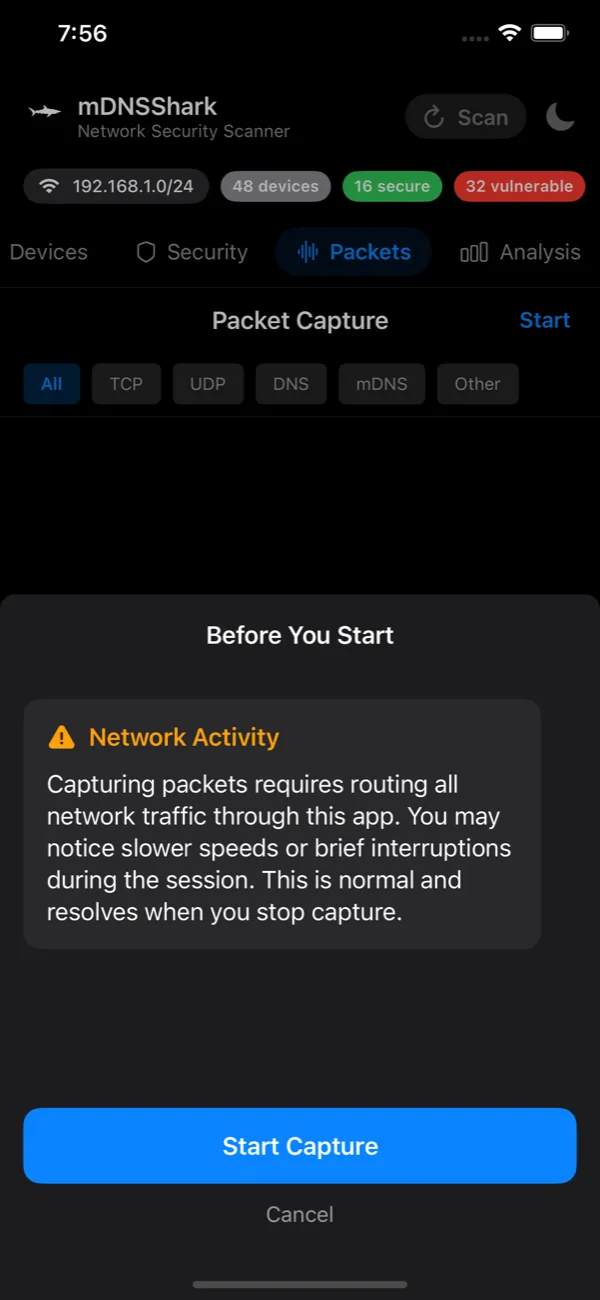
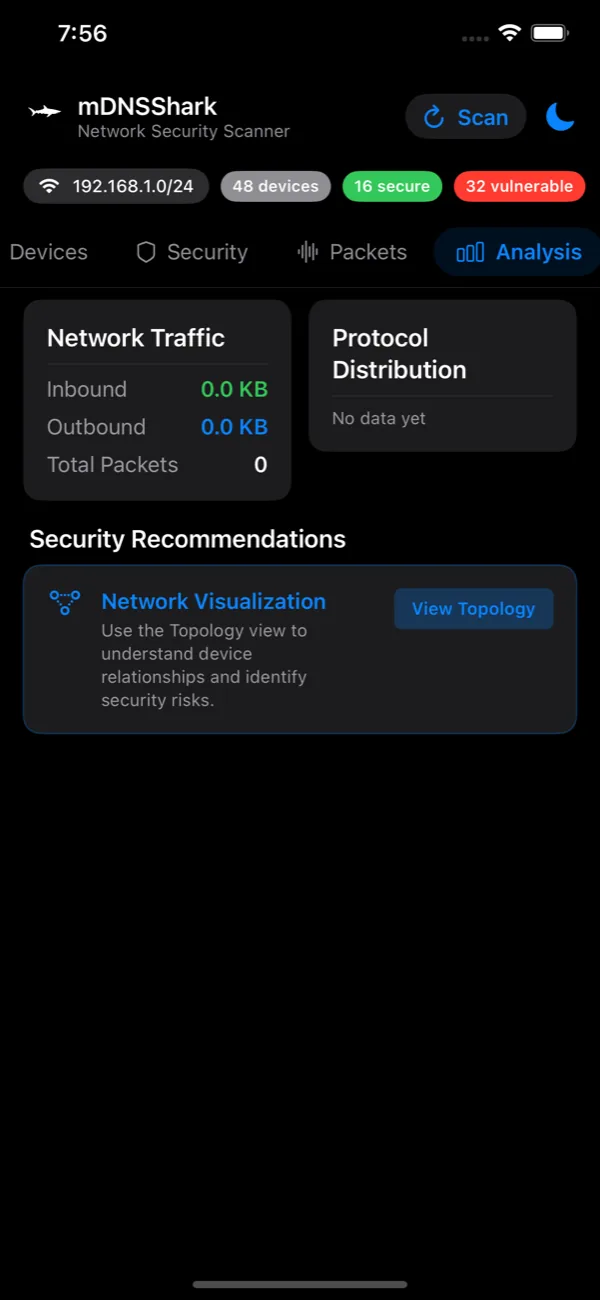
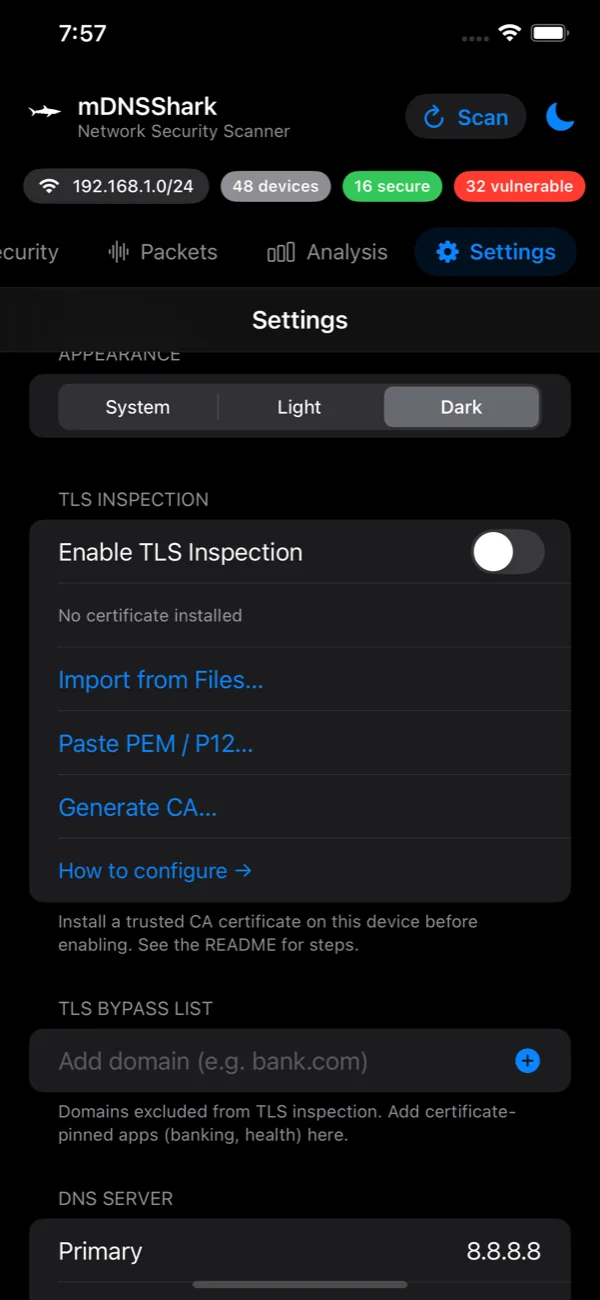
Know what is on your Wi-Fi
Discovery, assessment and capture in one app, with no setup.
Device Discovery
Bonjour/mDNS (DNS-SD) and SSDP find AirPlay receivers, printers, file shares, smart TVs and gateways. Optional /24 scans catch quiet services, and OUI lookups name the manufacturer.
Security Assessment
Flags risky exposed services and checks each manufacturer against CISA's Known Exploited Vulnerabilities catalog and the NVD. Findings export as a plain-text report.
Packet Capture
See DNS and SNI as they happen, with a local packet tunnel and no remote server. Export to pcap and open it in Wireshark.
TLS Inspection
A local HTTPS proxy that decrypts and logs HTTPS traffic for analysis, with your consent and on your device.
$1.99/month · 3-day free trialYour network stays yours
Scans and analysis run on your phone. Your device list and scan results are never uploaded. The only permission the app needs is local network access.
Open source · Built in the open
Help shape mDNSShark
Your feedback decides what ships next. Feature ideas, bug reports, questions and pull requests are all welcome on GitHub.
Request a feature
Missing a protocol, a device type or a report format? Tell us what would make it more useful for you.
Open an issue →Report a bug
Something off in a scan, a finding or a capture? Share your iOS version and steps so we can reproduce it.
Report it →Contribute code
The whole app is MIT licensed. Read the source, star the repo, fork it, and send a pull request.
View on GitHub →Prefer to browse first? See open issues. A free GitHub account is needed to post.
Find out what is on your network
Free to download on the App Store. Scan in seconds.

Scan with your iPhone